
Device Care
Samsung Electronics Co., Ltd.
Downloads
5,000,000,000+
Source
Google Play
Click to download now, finish the installation quickly, and directly unlock the all-round experience
Screenshots
Click to download now, finish the installation quickly, and directly unlock the all-round experience
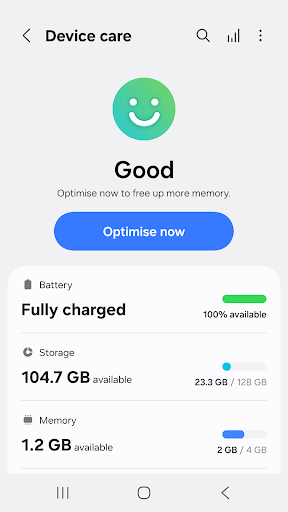
Device Care is Samsung’s maintenance dashboard for Galaxy phones. It gives you a quick view of the phone’s condition and tools for managing battery use, memory and security. It suits people who want a simple check-up without tracking each setting themselves. Some features may differ between Galaxy devices.
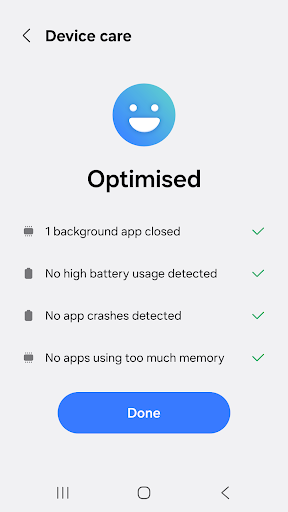
Think of a phone like a busy desk. Apps leave things running, use space and draw power; Device Care gathers some of those clues in one place so you can decide what needs attention. Its condition score, shown on a 100-point scale, is a snapshot rather than a full explanation of every problem. A one-tap optimization handles routine cleanup, but it is not a substitute for choosing which apps and settings work for you.
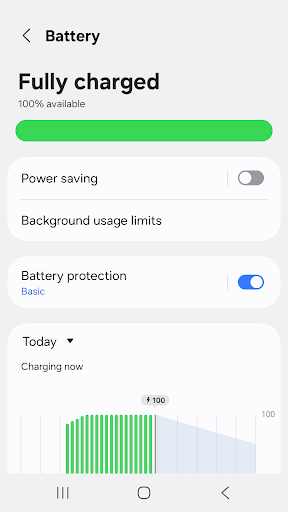
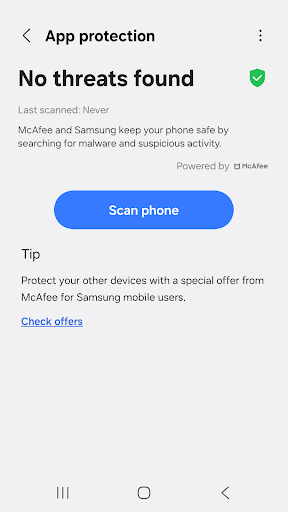
Battery tools show how much power individual apps use and can point out apps that drain it. Power-saving modes limit consumption when you need the charge to last longer. Memory management can free up working space, much as clearing a crowded tabletop makes room for the task at hand. Device Care also checks for malware, including viruses and spyware, and offers real-time protection. These tools can help flag concerns, but no quick scan can promise that a phone is completely safe.
Samsung Electronics Co., Ltd. develops the app, listed in Tools. It has more than 5 billion installs and a rating of about 3.9 from nearly 700,000 ratings. Those figures suggest it is widely present across Samsung devices; they do not mean every phone has the same options. Use the dashboard as a starting point, then look at the details before closing apps or changing power settings.