
Voice Recorder
Samsung Electronics Co., Ltd.
Downloads
1,000,000,000+
Source
Google Play
Click to download now, finish the installation quickly, and directly unlock the all-round experience
Screenshots
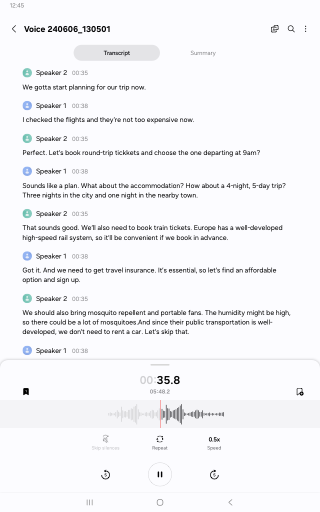
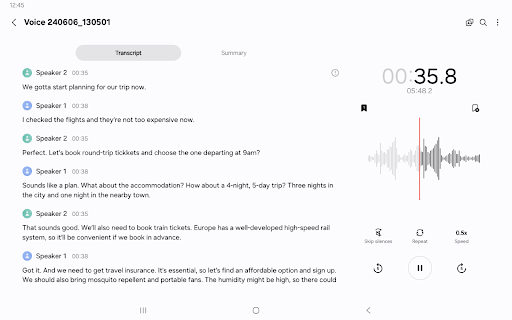
Click to download now, finish the installation quickly, and directly unlock the all-round experience
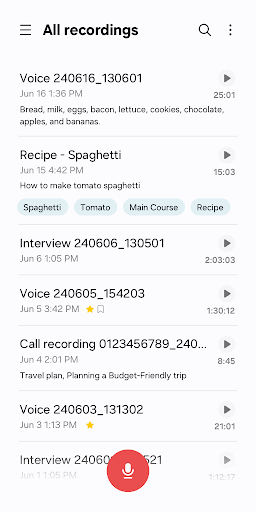
Voice Recorder by Samsung Electronics is a tool for capturing spoken notes, conversations, or other sounds on a compatible Galaxy device. It suits anyone who would rather save an idea in their own words than stop to type, or who needs to listen back to a discussion later. The app has more than 1 billion installs and about 295,000 ratings, with an average rating of 4.0 out of 5.
Sound travels as tiny changes in air pressure. The phone’s microphone turns those changes into a recording the app can save and play back. It is a little like holding a cup to a wall: the cup does not understand the conversation, but it helps you catch the sound. That distinction matters. A recording preserves what the microphone picks up, not the context, expressions, or meaning that you might remember from being there.
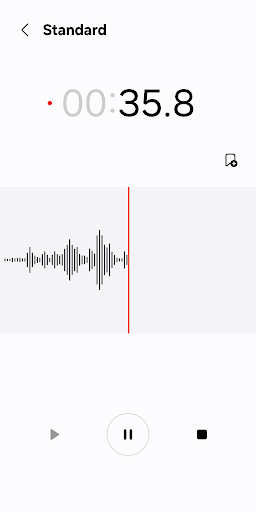
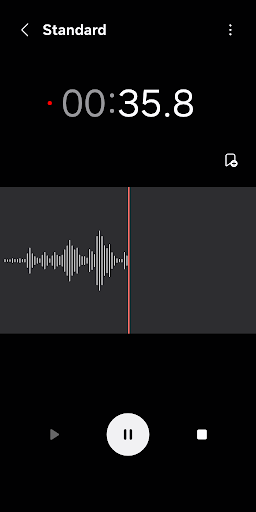
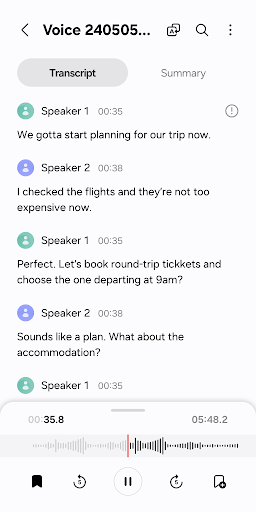
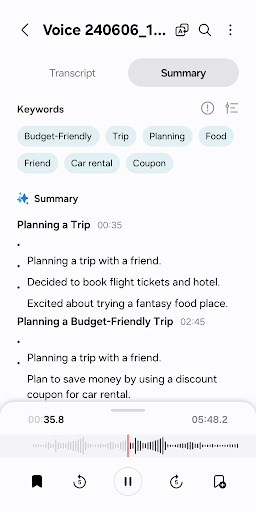
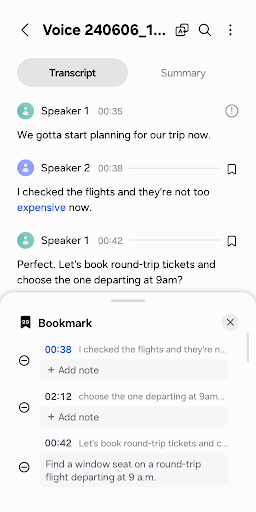
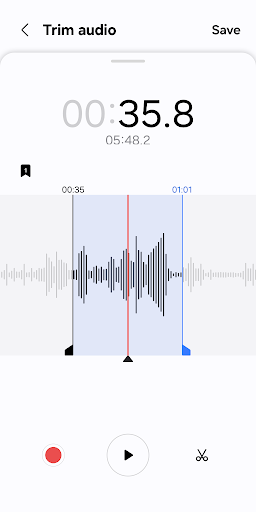
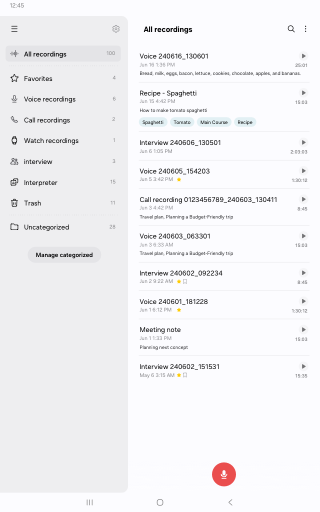
The app offers a general recording mode and, on supported devices, an interview mode that uses microphones at the top and bottom of the phone to capture two voices separately. Waveforms give a rough visual guide to loud and quiet moments; bookmarks help you return to particular points without replaying everything. Some devices also support editing recordings or working with transcribed text. Think of bookmarks as slips of paper tucked into a long notebook: useful for finding a passage, but not a substitute for checking what was actually said.
Recording needs microphone access, and saving audio needs permission to access music and audio files. Bluetooth microphone use and some other options may need additional permissions, and available features can vary by device. Before recording another person, consider whether they know and agree. A phone can capture nearby speech more easily than people expect, so where you place it—and when you press record—can affect both sound quality and privacy.